장바구니

장바구니가 비어있습니다

첫 주문 시 10% 할인 받기

첫 구독 10% 할인 해제 – 신규 회원 전용 웰컴 할인!

10% 할인 받기

게시글: Why Does My Wireless Charger Get Hot? Understanding Heat, Safety, and Charging Performance

Why Does My Wireless Charger Get Hot? Understanding Heat, Safety, and Charging Performance

2026. 8. 30. | Swanscout

Learn why wireless charging generates heat, what is normal, and how to keep your devices charging safely and efficiently.


Introduction: Why Does Wireless Charging Feel Different From Wired Charging?

Many people notice something the first time they use a wireless charger: Their phone or charging station feels warmer than expected.

This often leads to a simple question:

“Is this normal?”

Unlike traditional wired charging, wireless charging works through electromagnetic energy transfer between charging coils inside your device and the charger. During this process, some energy naturally turns into heat.

A slightly warm phone or charger does not necessarily mean something is wrong. In fact, a certain amount of heat is a normal part of wireless charging. However, understanding the difference between normal warmth and excessive heat can help you create a safer and more reliable charging experience.

For users who have experienced unexpected charging interruptions or inconsistent performance, understanding heat is also an important part of solving common wireless charging issues.


Why Does Wireless Charging Generate Heat?

Wireless charging works by transferring energy through electromagnetic induction. Inside the charger and your device, there are charging coils that communicate with each other. When electricity passes through these coils, a magnetic field is created to transfer power. Because energy conversion is not 100% efficient, a small amount of energy is released as heat.

This is why wireless charging may feel different from plugging in a traditional cable. Instead of creating a direct physical connection, wireless charging relies on energy transfer between two surfaces.

Several factors can influence how much heat is generated:

  • Charging speed
  • Device battery level
  • Alignment between the charger and device
  • Environmental temperature

For example, when your battery level is low, your device may require more power input, which can result in a warmer charging experience. Similarly, faster wireless charging can naturally produce more heat than standard charging.


Is It Normal for a Wireless Charger to Feel Warm?

Not all heat means there is a problem.

During normal charging, you may notice that your phone feels slightly warm, the charging area feels warmer than the surrounding surface, or the temperature changes during different charging stages. These situations are usually expected.

Modern smartphones and wireless chargers include safety systems that monitor temperature and adjust charging performance when needed.

However, you should pay attention if the charger becomes extremely hot, charging repeatedly starts and stops, your device displays temperature warnings, or you notice unusual smells or physical damage.

In these cases, checking your charging setup and device compatibility can help identify the cause.


Common Reasons Why Your Wireless Charger Gets Hot

Wireless charging heat is usually caused by a combination of factors rather than a single issue.

1. Your Device Is Not Properly Aligned

Wireless charging depends on the connection between the charging coil inside your device and the coil inside the charger.

If your phone is not positioned correctly, energy transfer may become less efficient, more energy may be converted into heat, and charging performance may decrease.

This is one reason why charging stands and well-designed charging stations often feel easier to use than flat charging pads. They help guide your device into a more consistent position.


2. Your Phone Case or Accessories May Affect Charging

A phone case protects your device, but it can sometimes affect wireless charging performance. Thicker cases, metal accessories, or magnetic attachments may increase the distance between your device and the charging coil. When the distance increases, charging efficiency may decrease and more energy may be lost as heat.

If your wireless charger becomes warmer after changing your phone case or adding a new accessory, try removing it temporarily and testing again.


3. Your Charger Design and Device Compatibility Matter

Wireless charging performance is not only about charging speed.

The overall design of the charging system also affects how smoothly and efficiently your devices charge. A well-designed wireless charger needs to balance charging efficiency, device compatibility, heat management, and stable performance when charging multiple devices.

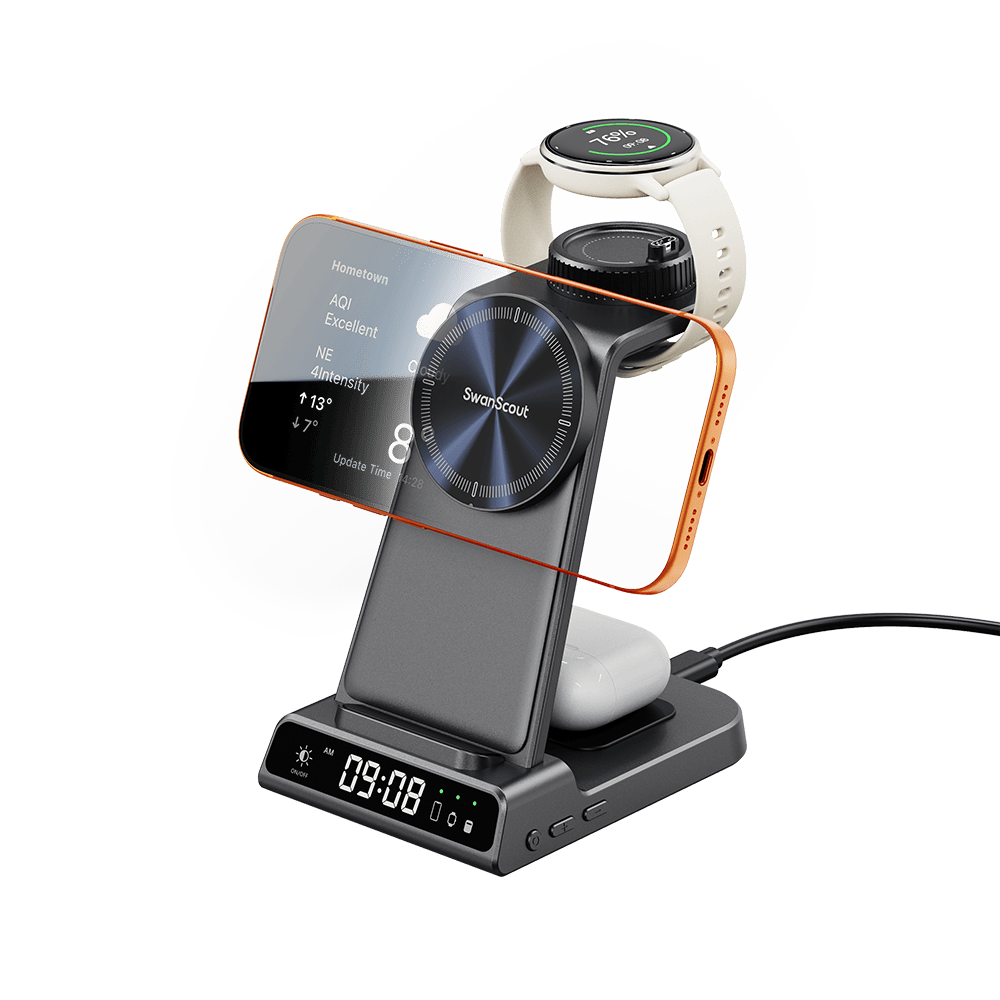
For users who charge their phone, smartwatch, and earbuds every day, choosing the right 3-in-1 wireless charger can make a significant difference.

A good multi-device charging solution should not only reduce the number of cables around your desk, but also create a more organized and reliable charging experience.

SwanScout 3-in-1 wireless chargers are designed around this everyday need. By bringing multiple devices into one dedicated charging area, they help simplify your charging setup while creating a cleaner and more convenient experience.


When choosing a wireless charger, it is important to consider not only how fast it charges, but also whether it fits naturally with your devices and daily habits.


4. Your Power Adapter or Charging Environment May Be Affecting Temperature

Sometimes the wireless charger itself is not the only factor.

The complete charging system includes the wireless charger, power adapter, charging cable, and device compatibility. Using an adapter with insufficient power, an incompatible cable, or an unstable power source may affect charging performance.

The surrounding environment can also influence temperature. Direct sunlight, soft surfaces that trap heat, and poor ventilation may cause your devices to become warmer during charging.

For better performance, place your wireless charger on a flat surface with enough space for heat to escape.


How to Reduce Heat During Wireless Charging

If you want a smoother and more stable wireless charging experience, try these simple adjustments:

Use a Compatible Power Adapter

A wireless charger depends on the power source connected to it.

Make sure your adapter can provide enough power for your charger and devices.

Keep the Charging Area Clear

Avoid placing your charger on blankets, sofas, or other surfaces that block airflow.

A clean and open charging area helps maintain better temperature control.

Place Your Device Correctly

Make sure your device is aligned with the charging area.

Proper positioning helps improve charging efficiency and reduces unnecessary energy loss.

Remove Unnecessary Accessories

If you use a thick phone case, metal attachment, or other accessories, try removing them to see whether charging performance improves.


Does Heat Affect Battery Health?

This is one of the biggest concerns many users have.

The question is simple:

“Will wireless charging damage my battery?”

Heat itself is not necessarily the problem.

The main concern is prolonged exposure to high temperatures.

Modern devices are designed with battery management systems that help control charging conditions and protect battery performance.

A properly designed wireless charger should balance charging speed, efficiency, and temperature control.

Under normal conditions, a slightly warm device during wireless charging is not something to worry about.

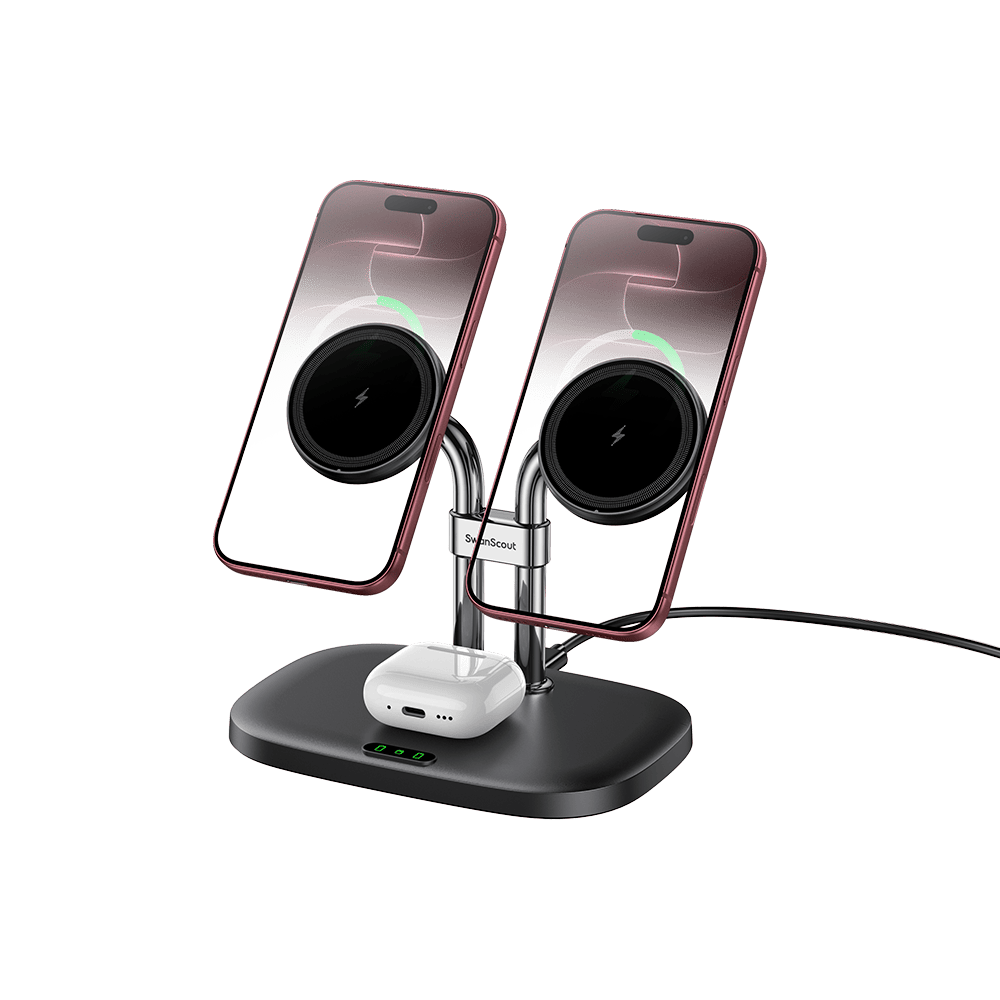
SwanScout 706M magnetic dual phone charging station for Apple iPhone 16, wireless charger with magnetic mount.

SwanScout 706M - 아이폰용 듀얼 마그네틱 충전기 및 AirPods용 무선 도크

¥314 ¥393

SwanScout 소개

SwanScout에서는 백조에서 영감을 받은 디자인과 스마트 혁신을 결합한 우아한 무선 충전기를 전문으로 합니다. 2021년 Julian Li에 의해 설립된 당사의 대표적인 3-in-1 충전 시계는 일상 기술에서 기능적 아름다움의 새로운 기준을 세웠습니다. 우리의 사명은 기술을 더욱 우아하게 만드는 것입니다.